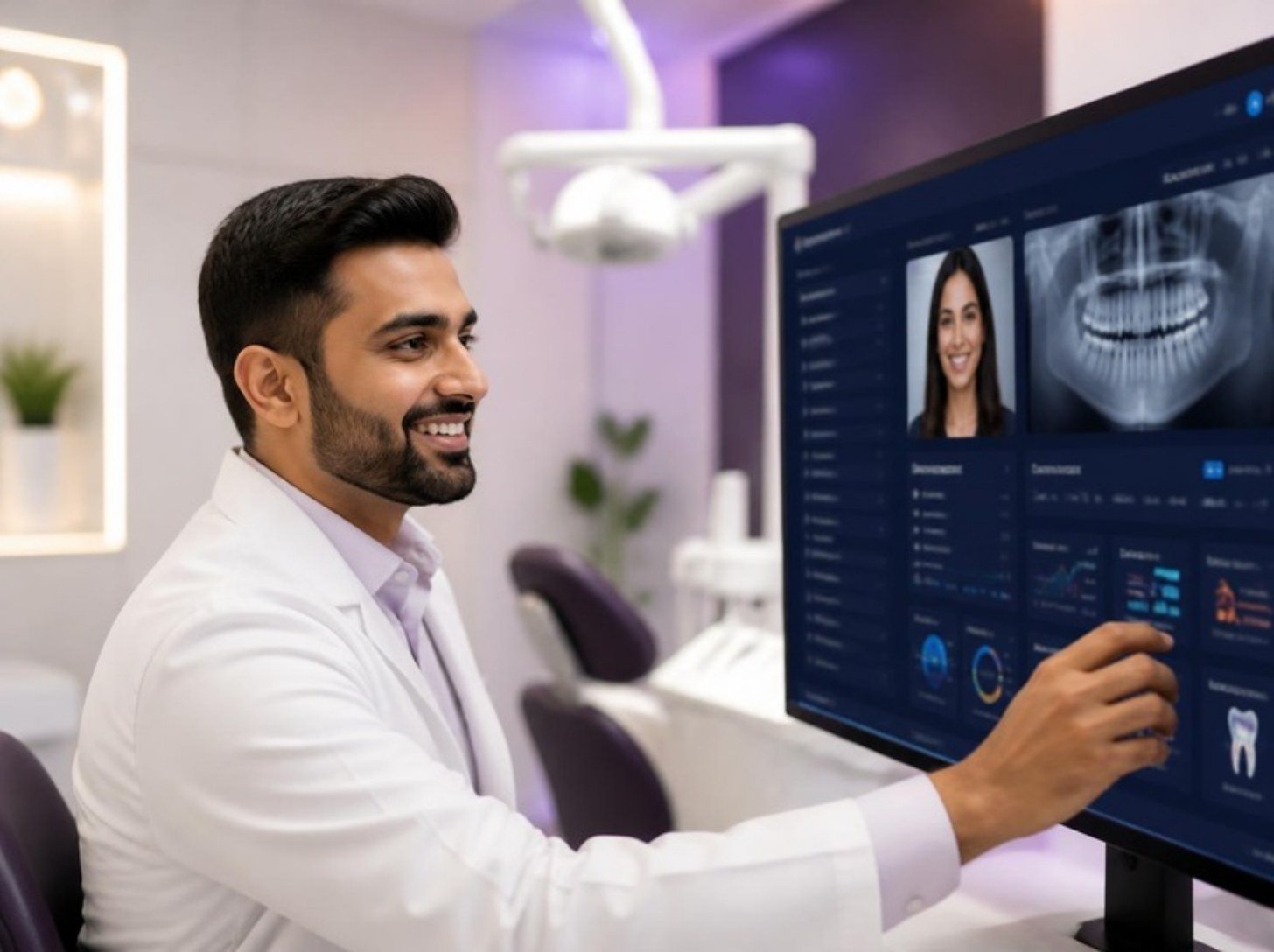
Most clinics in Pakistan still run on a register, a few Excel sheets and the receptionist’s memory. It works until the clinic gets busy. Then patient files go missing, two patients get the same slot, nobody remembers who needs a follow-up, and WhatsApp enquiries from your ads get lost in the chat list.
That is why more doctors are now searching for clinic management software in Pakistan. But there are many options, and the names are confusing: clinic software, EMR, patient management software, clinic CRM. This guide explains in simple words what each one does, which features you really need, what affects the cost, and how to choose the right system for your clinic.
Quick answer: what good clinic software should do
- Patient records: history, visits, prescriptions and reports in one place.
- Appointments: a clear calendar for every doctor, with no double booking.
- Billing: invoices, receipts, packages and daily cash reports.
- Reminders: WhatsApp or SMS reminders that reduce no-shows.
- CRM: every new enquiry from ads, WhatsApp and Instagram saved and followed up.
- Reports: where patients come from, which treatments sell, and how the clinic is doing.
Signs your clinic needs management software
- Staff spend time searching for old patient files.
- Patients sometimes arrive for appointments that were never written down.
- Many patients book and then do not show up.
- You do not know how many new enquiries came this month, or from where.
- The daily cash total never matches the register.
- Patients who needed a second session or a follow-up are never called back.
- You have more than one doctor or branch and cannot see everything in one place.
If three or more of these sound familiar, your clinic is losing patients and money every week, and software will pay for itself.
Clinic software vs EMR vs CRM: what is the difference?
These words are used in different ways, so here is a simple way to think about them:
| Type | Main job | Who uses it most |
|---|---|---|
| EMR (electronic medical records) | Stores the medical side: history, diagnosis, prescriptions, lab reports | Doctors |
| Clinic / practice management software | Runs daily operations: appointments, billing, staff, inventory, reports | Reception, managers, owner |
| Clinic CRM | Manages patient relationships: new enquiries, follow-ups, reminders, recalls, reviews, marketing | Front desk, marketing team, owner |
Many systems in Pakistan focus on records and billing only. That covers patients who are already inside the clinic. But for most private clinics, the biggest loss happens before the patient arrives: an enquiry on WhatsApp that nobody answered, or a patient who asked about a treatment and was never called back. That is the job of a CRM. The best setup combines all three in one system.
12 must-have features in clinic management software
Patient side
- Fast patient registration. Name, phone number, age and reason for visit in under a minute. Search by phone number, because that is how Pakistani patients are remembered.
- Complete patient history. Every visit, prescription, report and photo (with consent) in one timeline.
- Specialty templates. A dermatologist, dentist and physiotherapist need different notes. Good software lets you use templates for your specialty.
- Prescription printing with the clinic logo, in English and, where needed, Urdu instructions.
Front desk and operations
- Appointment calendar for each doctor and room, with walk-ins and online bookings in the same view.
- WhatsApp reminders. Patients in Pakistan read WhatsApp far more than SMS or email. Automatic reminders before the visit help reduce no-shows.
- Billing and packages. Invoices, discounts, session packages (for example 6 laser sessions), partial payments and a daily closing report.
- Staff roles and permissions. Reception should not see everything the owner sees. Each user should have their own login.
Growth side (the CRM part)
- Lead capture from ads and social media. Every enquiry from Facebook, Instagram, WhatsApp, Google and your website saved automatically with its source.
- Follow-up lists. A simple daily list for staff: who to call, who to remind, who needs a second session.
- Recalls and reviews. Automatic messages for check-ups and follow-ups, and a polite request for a Google review after a good visit.
- Reports that matter. New patients per month, enquiries by source, conversion from enquiry to booking, revenue by treatment and by doctor.
Nice-to-have features for growing clinics
- AI front desk that replies to WhatsApp and Instagram messages 24/7 and books appointments. Read about our AI receptionist for clinics in Pakistan.
- AI voice receptionist that answers calls when the front desk is busy.
- Multi-branch dashboard to see all branches in one place.
- Inventory for medicines, consumables and products.
- Patient app or portal where patients can see their bookings and reports.
- Your own branding, so the system and messages show your clinic name, not the software company’s.
Which features matter most for your type of clinic?
| Clinic type | Most important features |
|---|---|
| Skin and aesthetic clinics | Session packages, consent photos, WhatsApp follow-ups, lead tracking from Instagram and Meta ads |
| Dental clinics | Treatment plans with multiple visits, chair scheduling, recall reminders for check-ups |
| Hair transplant centres | Long follow-up journeys, consultation-to-surgery tracking, post-op reminders |
| Physiotherapy clinics | Session plans, attendance tracking, package billing, reminders |
| GP and family clinics | Fast registration, token system, prescriptions, patient history |
| Hospitals and multi-specialty | Departments, multiple doctors, roles, central reports, multi-branch view |
How much does clinic management software cost in Pakistan?
Prices vary a lot, from free apps to custom systems for hospitals. Instead of looking only at the price, look at what affects it:
- Pricing model: a monthly subscription, a yearly plan, a price per user, or a one-time licence.
- Number of doctors, users and branches.
- Modules: records and billing only, or also CRM, WhatsApp automation and AI.
- WhatsApp Business API costs: Meta charges for some message types, separate from the software fee.
- Setup and training: moving your old patient data, setting up templates and training staff.
- Custom work: your own domain, branding or special features.
Always ask for a written quote that shows the setup fee, monthly fee and any extra charges separately. A cheap system that your staff do not use is the most expensive option of all. See our clinic CRM and marketing packages for a clear idea.
10 questions to ask before you buy clinic software
- Can I see a live demo with my own type of clinic, not a generic one?
- Is it easy enough for my receptionist to learn in one day?
- Does it work on mobile, so I can check the clinic from home?
- Does it send WhatsApp reminders, and is that on my own clinic number?
- Does it save leads from Facebook, Instagram and WhatsApp, or only patients who visit?
- Who owns the patient data, and can I export it if I leave?
- Where is the data stored, how is it backed up, and who can see it?
- Can each staff member have their own login and permissions?
- What support do you give, in which language, and how fast?
- What are all the costs for the first year, including setup and WhatsApp?
Mistakes clinics make when choosing software
- Buying on price only and ending up with a system nobody uses.
- Ignoring the CRM side, so new enquiries from ads are still lost.
- No training plan, so staff go back to the register after two weeks.
- Not checking data ownership, and getting locked into one company.
- Trying to set up everything on day one. Start with appointments, records and reminders, then add the rest.
How to switch from register to software: 5 simple steps
- Pick one start date, ideally at the start of a week.
- Add active patients first. Patients from the last few months matter most. Old files can be added slowly.
- Train the front desk on just three things first: registration, appointments and billing.
- Turn on WhatsApp reminders once the calendar is being used every day.
- Connect your ads and social media so every new enquiry lands in the CRM, and review the follow-up list daily.
Clinova: clinic software and CRM by Adymizing
We built Clinova because we saw the same problem in clinic after clinic: the software handled patients inside the clinic, but nothing handled the patients the clinic was losing outside it. Clinova is a clinic operating system that brings patients, bookings, billing, staff and follow-ups into one place, set up in your clinic’s own name.
- Patients and bookings: records, history and appointments for every doctor.
- Billing and reports: invoices, packages and simple reports for the owner.
- CRM and follow-ups: every enquiry from WhatsApp, Instagram and ads saved, with a daily follow-up list.
- AI add-ons: an AI front desk for WhatsApp and Instagram and an AI voice receptionist.
- Your data stays yours.
Try the Clinova live demo, read more about our clinic CRM services, or see how software fits into the bigger picture in our guide to digital marketing for doctors in Pakistan.
Frequently asked questions
What is the best clinic management software in Pakistan?
There is no single best system for every clinic. The best one is the software your staff actually use every day and that covers your biggest problem. If your main problem is records and billing, a basic system may be enough. If you are also losing enquiries and follow-ups, choose software that includes a CRM and WhatsApp automation.
What is the difference between a clinic CRM and an EMR?
An EMR stores medical records such as diagnosis, prescriptions and reports. A clinic CRM manages the relationship with patients: new enquiries, follow-ups, reminders, recalls and reviews. Many clinics need both, ideally in one system.
Can clinic software send WhatsApp reminders in Pakistan?
Yes. Good clinic software can send automatic WhatsApp reminders and follow-ups using the WhatsApp Business API on your clinic’s own number. Meta charges for some message types, so ask your provider to explain these costs.
Is clinic software suitable for a single-doctor clinic?
Yes. Even a single-doctor clinic benefits from organised records, appointment reminders and a follow-up list. Start with the basic modules and add more as the clinic grows.
Is patient data safe in cloud clinic software?
It can be, if the provider uses secure servers, regular backups, separate staff logins and clear data ownership. Always ask where data is stored, who can access it, and how you can export it.
See Clinova working for your clinic
Want to see how your clinic would run with proper software and a CRM? In a free 20-minute call we show you Clinova with your type of clinic and answer every question honestly. Book your free demo call, or contact us directly:
- Office: 1st Floor, Innovista Chenab, DHA Multan
- WhatsApp: 0318 6629029
- Email: sales@adymizing.com