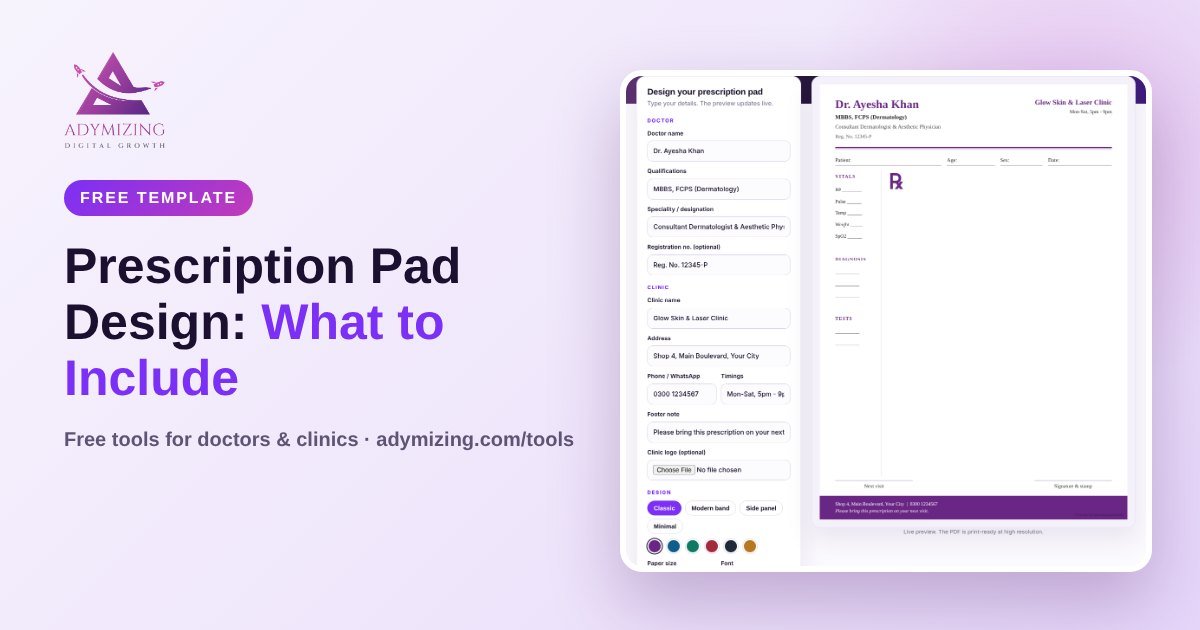
Your prescription pad is the most-shared piece of branding your clinic has. Every patient takes it home, shows it to the pharmacist and often keeps it. A clean, professional Rx pad builds trust before the patient even reads the medicine names.
This guide covers what to include, which size to choose, design tips, and how to make your own pad for free.
What to Include on a Doctor Prescription Pad
| Section | What to put | Why |
|---|---|---|
| Header | Doctor name, qualifications (e.g. MBBS, FCPS), speciality | Shows who prescribed |
| Registration | Medical or dental council number (PMDC, GMC, state licence, DHA) | Pharmacists and patients can verify you |
| Clinic details | Clinic name, address, phone, WhatsApp | Patients can contact and return |
| Timings | Clinic days and hours, days off | Fewer calls asking when you are open |
| Patient fields | Name, age, gender, date, MR number | Clear records |
| Body | Space for diagnosis and Rx | The prescription itself |
| Footer | Signature and stamp area, follow-up date | Validity and next visit |
Best Prescription Pad Size
A5 (148 x 210 mm) is the most common size for clinic Rx pads. It fits pad holders and patient files. A4 is useful for long prescriptions, investigation lists or diet charts. Many clinics keep both.
Prescription Pad Design Tips
- Use one or two brand colours, not a rainbow.
- Keep the body area white so handwriting is easy to read.
- Use clear fonts. A serif font looks classic, a sans-serif font looks modern.
- Put your logo top-left or centred, not too large.
- Leave enough space between lines for handwriting.
- Print on good paper (80 to 100 gsm) so ink does not bleed.
Free tool
Free Prescription Pad Maker
Choose from 4 prescription pad templates, add your degrees, clinic details and logo, and download a print-ready A4 or A5 PDF.
Design my Rx pad →Common Prescription Pad Mistakes
- Old phone numbers or timings that confuse patients.
- Tiny text that elderly patients cannot read.
- Too many logos, sponsor names or adverts on the pad.
- No registration number.
- Dark backgrounds that make handwriting hard to read and photocopy.
Printed Pads vs Making Your Own
Ordering custom pads from a printer is fine, but every small change means a new order. With an online prescription pad maker you update the details yourself, download the PDF and print as many as you need at any local print shop.
A Note on Safety and the Law
Prescription pads must only be used by the registered doctor or dentist whose name is on them. Keep pads secure, never sign blank pads, and report lost pads. Creating a prescription in someone else’s name, or a fake prescription or medical note, is illegal.
Want the rest of your clinic branding to match? See our clinic website design checklist and personal branding for doctors.
Want your whole clinic to look this professional?
We design clinic websites, Google profiles and social media for doctors, and set up an AI front desk that replies 24/7.
Frequently Asked Questions
What should be on a doctor’s prescription pad?
Doctor name, qualifications, registration number, clinic name, address, phone, timings, patient fields, space for diagnosis and Rx, and a signature area.
What size is a prescription pad?
Most clinics use A5 (148 x 210 mm). A4 is used for longer prescriptions.
Can I make a prescription pad online for free?
Yes. Our free prescription pad maker lets registered doctors design a pad and download a print-ready PDF.