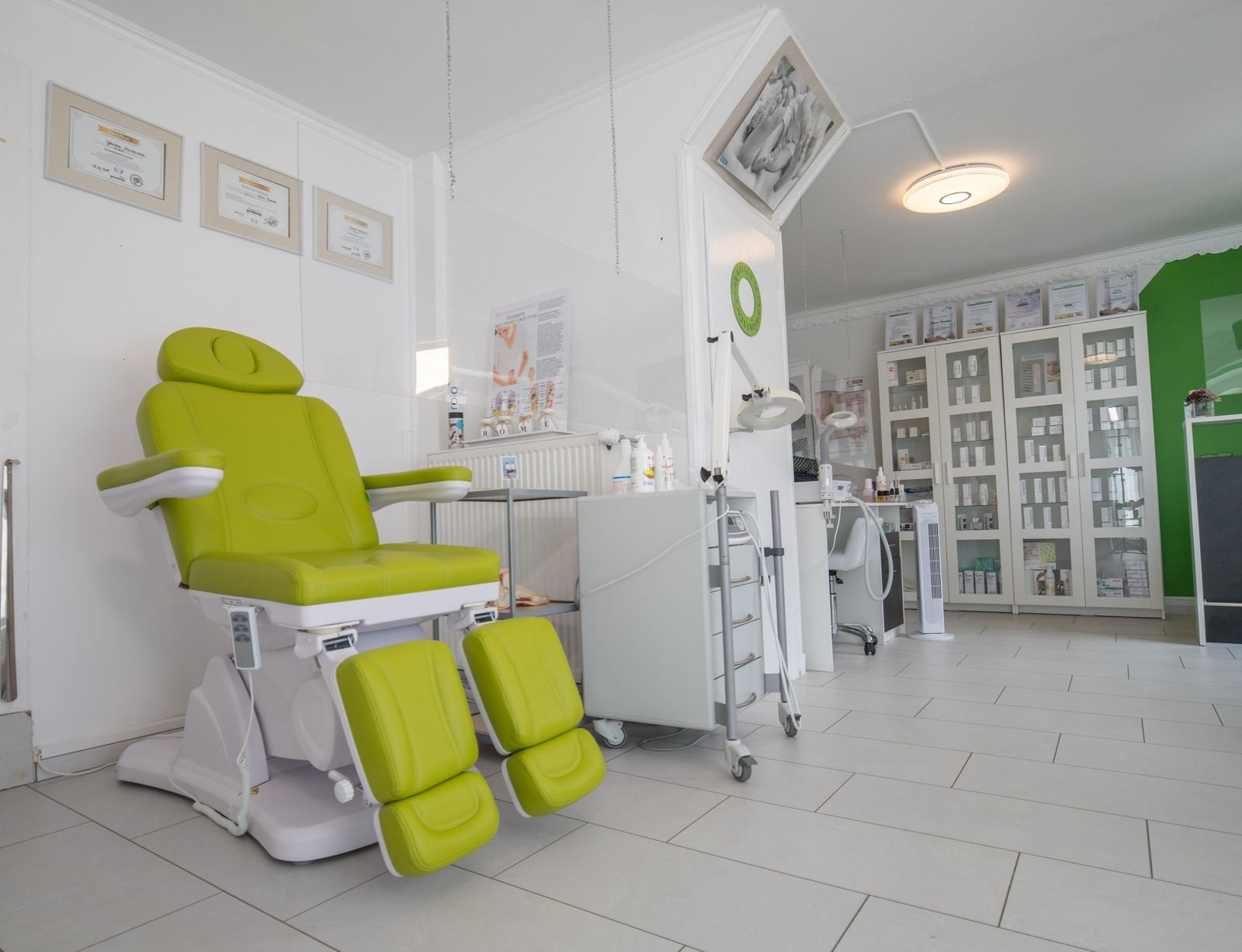
The doctor is ready. The room is clean. The patient never comes. No call, no message. That empty slot cannot be sold again, and it happens several times a week in most clinics.
If you are searching for how to reduce patient no-shows, the good news is that most no-shows can be prevented with simple systems. This guide shares 12 proven ways, backed by published studies, to cut missed appointments and keep your clinic calendar full.
Quick answer: the 5 fastest ways to reduce no-shows
- Send reminders one day before and a few hours before every appointment, on WhatsApp or SMS.
- Ask patients to confirm with one reply (“1 to confirm, 2 to reschedule”).
- Make rescheduling easy so patients change the time instead of disappearing.
- Keep a waitlist to fill cancelled slots quickly.
- Track no-shows in a CRM and follow up the same day.
What is a patient no-show, and why does it matter?
A no-show is a patient who books an appointment and does not come, without cancelling in time. Your no-show rate is simple to calculate:
No-show rate = (missed appointments ÷ total booked appointments) × 100
Example: if 200 appointments were booked this month and 24 patients did not come, your no-show rate is 12%. No-shows waste doctor time, staff time and income, and the patient often misses care they need.
What the research says about reminders
- A hospital clinic study published in BMJ Open Quality added one text reminder 48 hours before each appointment. The no-show rate fell from 38.6% to 25.5%, a drop of 13.1 percentage points, and every patient surveyed wanted reminders by text.
- A study in a private orthodontic practice, published in The Angle Orthodontist (2018), let patients choose their reminder method. No-show rates were low for all methods (SMS 1.9%, email 2.7%, phone 3.5%). It also found that 48.3% of no-shows were early-morning appointments.
The lesson: reminders work, the patient’s preferred channel matters, and some time slots need extra attention.
Why patients miss appointments
- They simply forgot.
- The appointment was booked weeks ago.
- Something came up, and cancelling felt like too much trouble.
- They felt better and thought the visit was no longer needed.
- Worry about cost or the treatment.
- Transport, weather or family problems.
- They booked with another clinic that replied faster.
Almost all of these can be handled with the right reminder, a clear message and an easy way to reschedule.
12 proven ways to reduce patient no-shows
1. Send two reminders for every appointment
Send one reminder 24 to 48 hours before, and one 2 to 3 hours before. Include the doctor’s name, date, time, location pin and a reschedule option. Automated reminders make sure this happens every time.
2. Use the channel your patients read
For most clinics this is WhatsApp. Use SMS or a phone call for older patients who prefer them. Ask patients at booking how they want to be reminded. Read our WhatsApp chatbot for clinics guide.
3. Ask for a one-tap confirmation
“Reply 1 to confirm, 2 to reschedule.” A confirmation is a small promise, and it tells your staff which slots are at risk.
4. Make rescheduling easier than not coming
Many no-shows are patients who could not come but did not want to call. Let them change the time in one message. An AI receptionist can do this 24/7.
5. Write reminders that patients act on
Research on hospital appointment messages, such as this study on A/B testing digital messages, shows that the wording of a reminder can change how many patients attend. Keep it short, personal and clear: use the patient’s name, the doctor’s name and a simple action.
6. Book closer to the visit date
Appointments booked far in advance are easier to forget. Where possible, offer earlier slots, and send an extra reminder for bookings made more than two weeks ahead.
7. Watch high-risk time slots
Check your own data: which days and times have the most no-shows? The orthodontic study above found almost half of no-shows in early-morning slots. Send those patients an extra reminder or a confirmation call.
8. Keep a waitlist
When someone cancels, message waitlisted patients: “A slot opened today at 5 pm. Reply YES to book.” Cancelled slots get filled instead of wasted.
9. Follow up every no-show the same day
A kind message works best: “We missed you today. Hope all is well. Would you like a new time?” Many patients rebook straight away.
10. Explain the value of the visit
For follow-ups and treatment sessions, remind patients why the visit matters, in simple words approved by the doctor. Patients who understand the plan are more likely to come.
11. Have a fair, clear cancellation policy
Share it politely at booking: “Please let us know 24 hours before if you can’t come, so another patient can use the slot.” For high-value procedures, some clinics take a small booking deposit. Keep it ethical and never block urgent care.
12. Track no-shows in a clinic CRM
A clinic CRM shows your no-show rate by doctor, day, time and patient, sends reminders automatically and lists who to follow up. What you measure, you can improve.
Ready-to-use reminder messages
| When | Message |
|---|---|
| At booking | “Hi [Name], your appointment with [Doctor] is booked for [Day] at [Time]. Location: [Pin]. We will remind you before.” |
| 1 day before | “Reminder: [Name], your appointment at [Clinic] is tomorrow at [Time]. Reply 1 to confirm or 2 to reschedule.” |
| 2 hours before | “See you at [Time] today, [Name]. Please arrive 10 minutes early.” |
| After no-show | “We missed you today, [Name]. Hope everything is okay. Would you like a new time?” |
| Recall | “[Name], it is time for your next [check-up/session] at [Clinic]. Shall we book it for you?” |
No-show tips by clinic type
| Clinic | Main no-show risk | Best fix |
|---|---|---|
| Dental | Check-ups booked months ahead | Recall message plus two reminders |
| Skin and aesthetic | Session 3, 4 and 5 of a package | Book the next session before the patient leaves |
| Hair transplant | Consultation leads from ads | Fast reply and confirmation call |
| Physiotherapy | Patients stop once pain improves | Explain the plan and remind before each session |
| Hospital OPD | High volume, many departments | Automated reminders and waitlists per department |
How Adymizing helps clinics reduce no-shows
Adymizing sets up a complete no-show system for clinics: automatic WhatsApp reminders, one-tap confirm and reschedule, waitlist messages, same-day follow-up and recall campaigns, all tracked in Clinova, our clinic CRM. Our AI voice agent can also call patients to confirm next-day appointments. Packages start from Rs 50,000 setup + Rs 25,000/month. See pricing.
Frequently asked questions
What is a good no-show rate for a clinic?
It depends on the specialty and patients. Published studies show rates from under 3% in a private orthodontic practice to almost 40% in a hospital clinic before reminders. The best target is to keep lowering your own rate month by month.
Do appointment reminders really reduce no-shows?
Yes. In one hospital clinic study published in BMJ Open Quality, a single text reminder 48 hours before the visit cut the no-show rate from 38.6% to 25.5%.
When should I send appointment reminders?
A good default is one reminder 24 to 48 hours before, and a second one 2 to 3 hours before the appointment, with an easy option to reschedule.
Is WhatsApp or SMS better for reminders?
Use the channel your patients read most. For many clinics that is WhatsApp, but some patients prefer SMS or a call. Ask at booking and remind them that way.
Should I charge patients for no-shows?
Some clinics take a small deposit for long or high-value procedures. Explain the policy clearly at booking, apply it fairly, and never let it block urgent care.
Fill your empty slots: book a free clinic call
Pick a time for a free 20-minute call. We will look at your current no-shows and reminders, show you automatic WhatsApp reminders working live, and give you a simple plan to keep your calendar full.
Chat on WhatsApp: 0318 6629029
Calendar not loading? Open the booking page · Email: sales@adymizing.com · Office: 1st Floor, Innovista Chenab, DHA Multan