Your clinic gets messages from WhatsApp, Instagram, Facebook ads, Google and phone calls. Some get a reply. Some get “price?” and then silence. Nobody follows up. By next week, those patients have booked somewhere else.
This is the problem clinic CRM software solves. In this guide you will learn what a clinic CRM system is, how it is different from normal clinic software, the features that actually bring more bookings, and how to set one up.
Quick answer: what a clinic CRM does
- Saves every enquiry from WhatsApp, calls, forms and ads in one place.
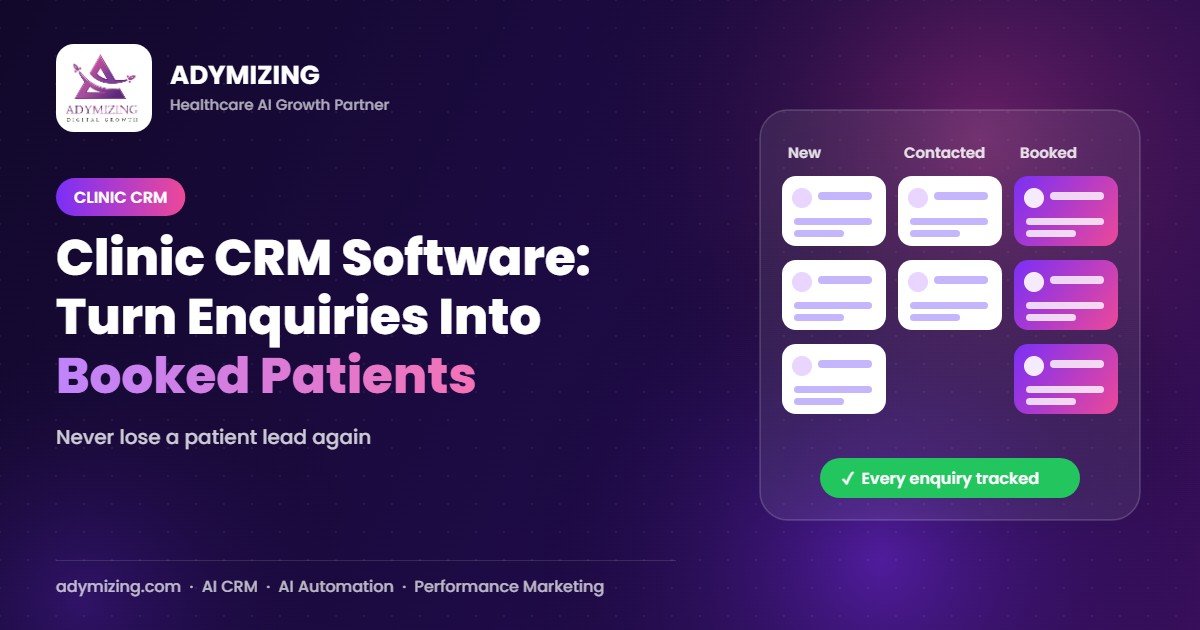
- Shows each lead’s stage: new, contacted, booked, visited, lost.
- Reminds staff who to follow up today.
- Sends reminders and recalls to patients automatically.
- Shows which ads bring real patients, not just messages.
What is clinic CRM software?
CRM means Customer Relationship Management. For a clinic, it is a patient relationship system. It manages the journey from the first “Hi, what is the fee?” message to the booked visit, the follow-up and the next treatment session.
Clinic CRM vs clinic management software vs EMR
| System | Main job | Who uses it |
|---|---|---|
| Clinic CRM | Get, follow up and book patients; reminders, recalls, reviews | Front desk, sales and marketing team |
| Clinic management software | Appointments, billing, inventory, reports | Reception and admin |
| EMR / EHR | Medical records, prescriptions, history | Doctors and nurses |
Many clinics already have billing or appointment software but still lose patients, because nothing tracks the enquiry before the booking. That gap is where the CRM works. Read more in our clinic management software guide.
Signs your clinic needs a CRM
- Enquiries sit in personal WhatsApp numbers of staff.
- You do not know how many leads your ads brought last month.
- Nobody follows up patients who asked for a price and went quiet.
- Package patients stop coming after session 2 or 3.
- You cannot see which staff member converts best.
- Old patients are never invited back for check-ups.
12 must-have features in a clinic CRM system
- One inbox for WhatsApp, Instagram, Facebook and website forms.
- Lead pipeline with stages you can drag and drop.
- Lead source tracking (Meta ad, Google, referral, walk-in).
- Follow-up tasks with due dates for each staff member.
- Automatic appointment reminders on WhatsApp or SMS.
- Recall campaigns for check-ups and next sessions.
- Review requests after happy visits.
- Patient notes and tags (treatment interest, budget, preferred doctor).
- Staff logins with limited access so each person sees only their own leads.
- Reports: leads, bookings, show-ups and revenue by source.
- AI help: reply suggestions, lead scoring and auto follow-ups.
- Data backups and security you control.
How a clinic CRM turns enquiries into patients
Here is a simple example of a patient journey inside a CRM:
- A patient clicks your Facebook ad and sends “Laser hair removal price?” on WhatsApp.
- The CRM saves the lead with source “Meta ad” and the WhatsApp assistant replies in seconds with the fee range and free slots.
- No booking? The CRM creates a follow-up task for tomorrow.
- The patient books. The CRM sends reminders a day before and on the day.
- After the session, it asks for a Google review and books session 2.
- At month end, you see exactly how many patients that ad brought.
Clinic CRM by specialty
| Clinic | Most useful CRM feature |
|---|---|
| Skin and aesthetic | Package session tracking and rebooking |
| Dental | Six-month recall and treatment plan follow-ups |
| Hair transplant | Long follow-up for high-value consultation leads |
| Hospitals | Department-wise leads and call centre tracking |
How much does clinic CRM software cost?
Cost depends on three things: ready-made vs custom-built, number of staff users, and add-ons like WhatsApp API messages and AI voice calls. Ready-made tools charge monthly per user. A custom CRM costs a setup fee plus monthly support, but it fits your exact workflow and your data stays under your control.
How to set up a CRM in your clinic in 14 days
- Days 1–2: Map your patient journey and lead stages.
- Days 3–5: Connect WhatsApp, forms and ad leads.
- Days 6–8: Add staff logins, follow-up rules and reminder templates.
- Days 9–10: Import old patients for recall campaigns.
- Days 11–12: Train staff with real enquiries.
- Days 13–14: Go live and check the first reports.
How Adymizing helps
Adymizing builds Clinova, an AI-powered clinic CRM, set up for your clinic’s own workflow. It brings WhatsApp, ads and calls into one place, sends reminders and recalls, gives each staff member their own login and shows you which marketing brings real patients. Packages start from Rs 50,000 setup + Rs 25,000/month. See pricing.
Frequently asked questions
What is a CRM in a clinic?
A clinic CRM is software that saves every patient enquiry, tracks follow-ups and bookings, and sends reminders and recalls, so fewer patients are lost between the first message and the visit.
Is a CRM different from clinic management software?
Yes. Clinic management software handles appointments and billing. A CRM handles getting and keeping patients: enquiries, follow-ups, reminders, recalls and marketing reports. Many clinics use both.
Can a CRM connect with WhatsApp?
Yes. A good clinic CRM connects with WhatsApp Business so messages, replies and reminders are all saved in the patient’s record.
Is a CRM worth it for a small clinic?
If you get regular enquiries from WhatsApp, calls or ads, yes. Even a few extra booked patients a month from better follow-ups can cover the cost.
Stop losing patient enquiries: book a free CRM demo
Pick a time for a free 20-minute call. We will show you Clinova live, look at how your clinic handles enquiries today, and give you a simple plan to book more patients.
Chat on WhatsApp: 0318 6629029
Calendar not loading? Open the booking page · Email: sales@adymizing.com · Office: 1st Floor, Innovista Chenab, DHA Multan